
Powerful donation forms
Design a fundraising campaign in minutes with the intuitive, customizable form builder that includes 100+ payment options and 47 languages.
Add a conversion-focused, customizable donation form for your nonprofit website on Webflow within minutes. Collect recurring donations and tailor your form to match your branding.
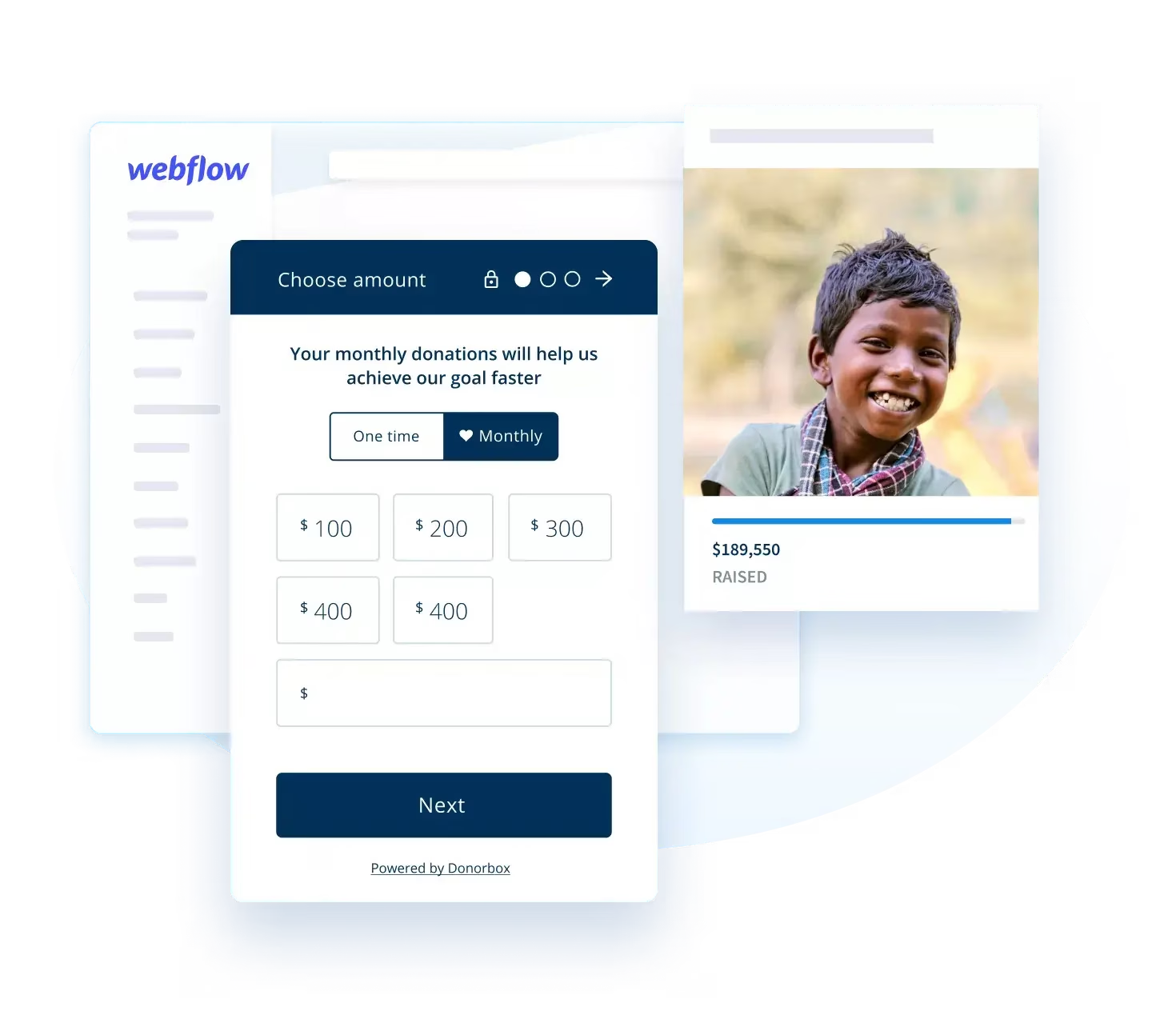
Set up a Webflow donation system with Donorbox to efficiently manage and boost your fundraising efforts.
Design a fundraising campaign in minutes with the intuitive, customizable form builder that includes 100+ payment options and 47 languages.

Instantly optimize your donation forms and pages for mobile and other devices, reducing donor friction and increasing conversion.

Share your fundraising progress and encourage others to join in with a real-time goal meter, donor wall, and live updates.

Strengthen donor relationships with personalized outreach, made simple with segmentation, automated tax receipts, and an AI-powered donor CRM.

Rest assured that your donation data is safe with us. PCI-compliant, SOC 2 Type 2 certified, and protected by SSL/TLS, we take cybersecurity very seriously.

Our world-class Customer Success team is ready to help you solve any challenges, available 24/7.
Explore the integration options below before signing up for a free Donorbox account.

Embed a clear and customizable donation form for Webflow with a simple embed code. Match your brand effortlessly with our advanced customization tools.

Place a customizable Webflow donate button on your site to attract donors. You can also include this button in your emails.

Add a Webflow donation form that pops up when your site is opened, keeping supporters on-page while they make a contribution.
Features |
|
Native Webflow ecommerce |
|
Pricing |
$0/month for Standard plan + platform fee of 2.95% (reduced for Pro and Premium plans). No tipping, but includes a “Cover fees” option toggle (covers both payment processing fee and platform fee). |
Ecommerce plans range from $29/month to $212/month, and charge between 0% and 2% platform transaction fees on top of your monthly subscription. Standard Stripe processing fees also apply. There is no option to ask donors to cover these fees. |
|
Automation & CRM |
Full automated receipting included in the Standard plan. Receipts are tax-compliant and can be fully customized. Donorbox CRM introduces automated reports, data imports, email marketing, and more. |
Sends standard commercial e-commerce receipts ("Order Confirmation") rather than official tax-deductible donation receipts. No native CRM capabilities—you would always need to plug into a third-party CRM. |
|
Recurring Giving |
8 recurring giving intervals to choose from: daily, weekly, bi-weekly, 1st & 15th of the month, monthly, quarterly, and annually. Pro & Premium users access the Recurring Upsell feature, which prompts one-time donors to become recurring at checkout. |
Doesn’t support recurring subscription products for donations natively. Direct Stripe Links can handle basic recurring schedules (monthly/annually). |
|
Payment Gateways |
Payments processed through Stripe and PayPal. Supports all standard modern payment gateways + crypto & stock donations, ACH bank transfers (US), SEPA direct debit (Europe), and UK Direct Debit. |
Supports standard credit and debit cards, Apple Pay, and Google Pay via Stripe. |
Yes. Webflow requires an active Site Plan or a workspace account that supports custom code to use the Embed Code element. Webflow’s free starter plan disables custom HTML/JS code blocks.
Embedding Donorbox into Webflow takes under 5 minutes with no coding required:
In your Donorbox dashboard, navigate to Campaigns > Share & Embed and copy your form or pop-up button code snippet.
In the Webflow Designer, open the Add Elements (+) panel and drag an Embed Code element onto your canvas.
Paste your Donorbox code snippet into the editor box, click Save & Close, and publish your Webflow site.
No. Donorbox donation forms run on dedicated cloud servers and load asynchronously. This ensures that your Webflow site remains lightweight, fast-loading, and fully optimized. All Donorbox forms and pop-ups are 100% mobile-responsive, adjusting automatically to mobile, tablet, and desktop viewports.
Yes! You can customize primary colors, button corner radius, border styles, text language, and default currency directly within your Donorbox dashboard.
Donorbox enables over 22 payment methods. Depending on device and location, donors can give using credit and debit cards, digital wallets like Apple Pay/Venmo for Webflow, Google Pay, and PayPal, bank transfers, and cryptocurrency and stock gifts.
The native Webflow donation app does not natively support recurring donation subscriptions. Donorbox solves this by offering up to 8 recurring intervals (Daily, Weekly, Bi-weekly, 1st & 15th, Monthly, Quarterly, and Annually). You can set a default recurring interval, display custom impact tiers (e.g., "$25/month feeds a child"), and enable Recurring Upsell prompts at checkout if you have a Pro or Premium plan. Donors also gain access to a self-service Donor Portal to manage or update their recurring gifts independently.
Upon completing a donation through your Webflow form, Donorbox automatically generates and emails an IRS-compliant tax receipt to the donor. All donor contact information and giving histories are stored securely in your Donorbox dashboard, and can be automatically synced to external CRMs like Salesforce NPSP, HubSpot, Mailchimp, or Zapier.
