Natively sync data
Enjoy automatic, real-time synchronization, ensuring that all information is up to date across platforms.
Natively sync your church donation data from Donorbox with Planning Center - empowering you with key data and insights to grow your church giving.
Combine Donorbox's unparalleled donation-boosting software with Planning Center's ability to organize information, communicate with your team, and connect your congregation.
Enjoy automatic, real-time synchronization, ensuring that all information is up to date across platforms.
Centralizing your data and automate manual tasks like sending giving statements, compiling reports & more.
Use Donorbox's impressive selection of tools to increase consistent tithing and simplify the giving experience church-wide.
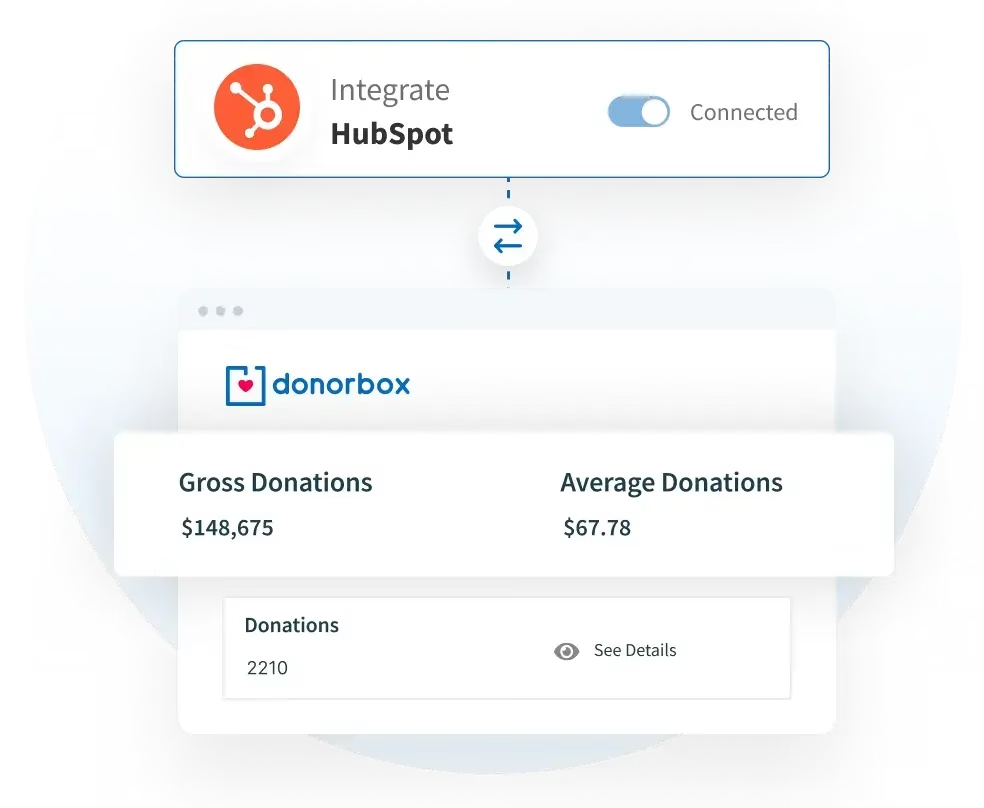
Follow the quick steps below - or find a more detailed step-by-step guide here - to integrate Donorbox directly with HubSpot.
For previous donor data, you can easily download a CSV file from Donorbox and load it into your HubSpot account.


Visit the HubSpot add-on page in your Donorbox dashboard - find it under ‘Integrations & Add-ons’ - and click ‘Activate’.

You will be redirected to a HubSpot login page. Follow the steps to authenticate your account.

Select the appropriate Donorbox account in the list provided and click ‘Choose Account’.
On the next page, give your permission to connect HubSpot to Donorbox by clicking ‘Connect app’.

Your integration is now live! You will be redirected back to the Donorbox dashboard.
Here, you can now customize extra data points, your HubSpot donor pipeline, and more.

To utilize the Donorbox + HubSpot integration, you will be required to first have an active HubSpot account and at least one Donorbox campaign before selecting the Donorbox + HubSpot add-on in your Donorbox account.
The Donorbox + HubSpot native integration add-on is available for $50 per month.
You may cancel the add-on at any time, with add-on fees pro-rated for the month ahead.
The Donorbox + HubSpot integration can be included in your customized Premium plan, based on your needs. Learn more about Premium perks.
HubSpot fees are not included in Premium.
But how do you use a CRM to your advantage as a nonprofit? Here are some free resources you can use to learn how to put the data stored in these databases to work.
Ready to integrate?


